VFX in UnderMine 2 are built using Unity VFX Graph, which gives me control over the balance of two things:
- Hand-drawn sprite animations for particles (fire, smoke, etc)
- Inherited variables dynamically applied to particles, allowing them to move in reaction to gameplay.
- Inherited variables dynamically applied to particles, allowing them to move in reaction to gameplay.
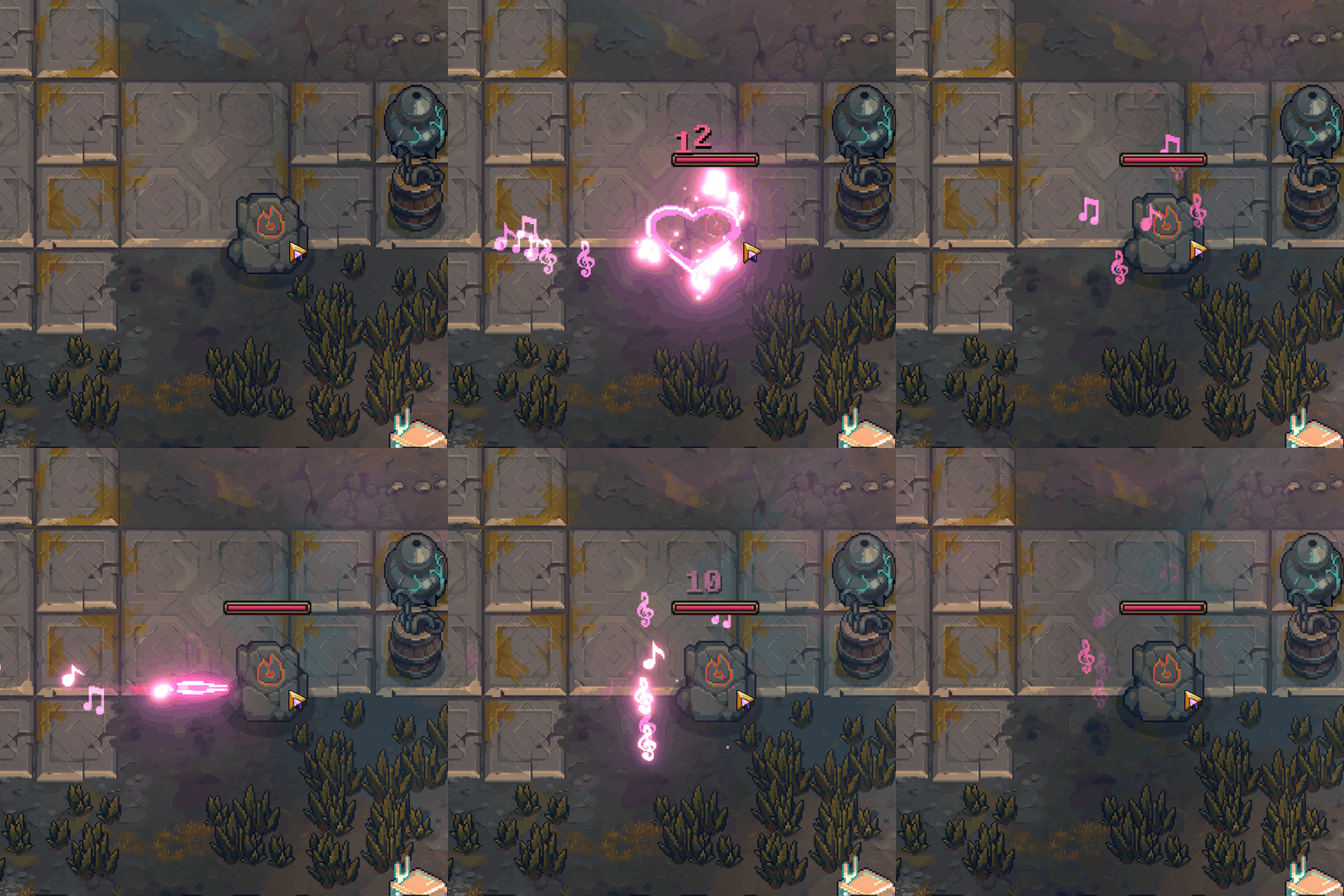
Musical instruments can charm enemies, like this projectile fired from a harp.
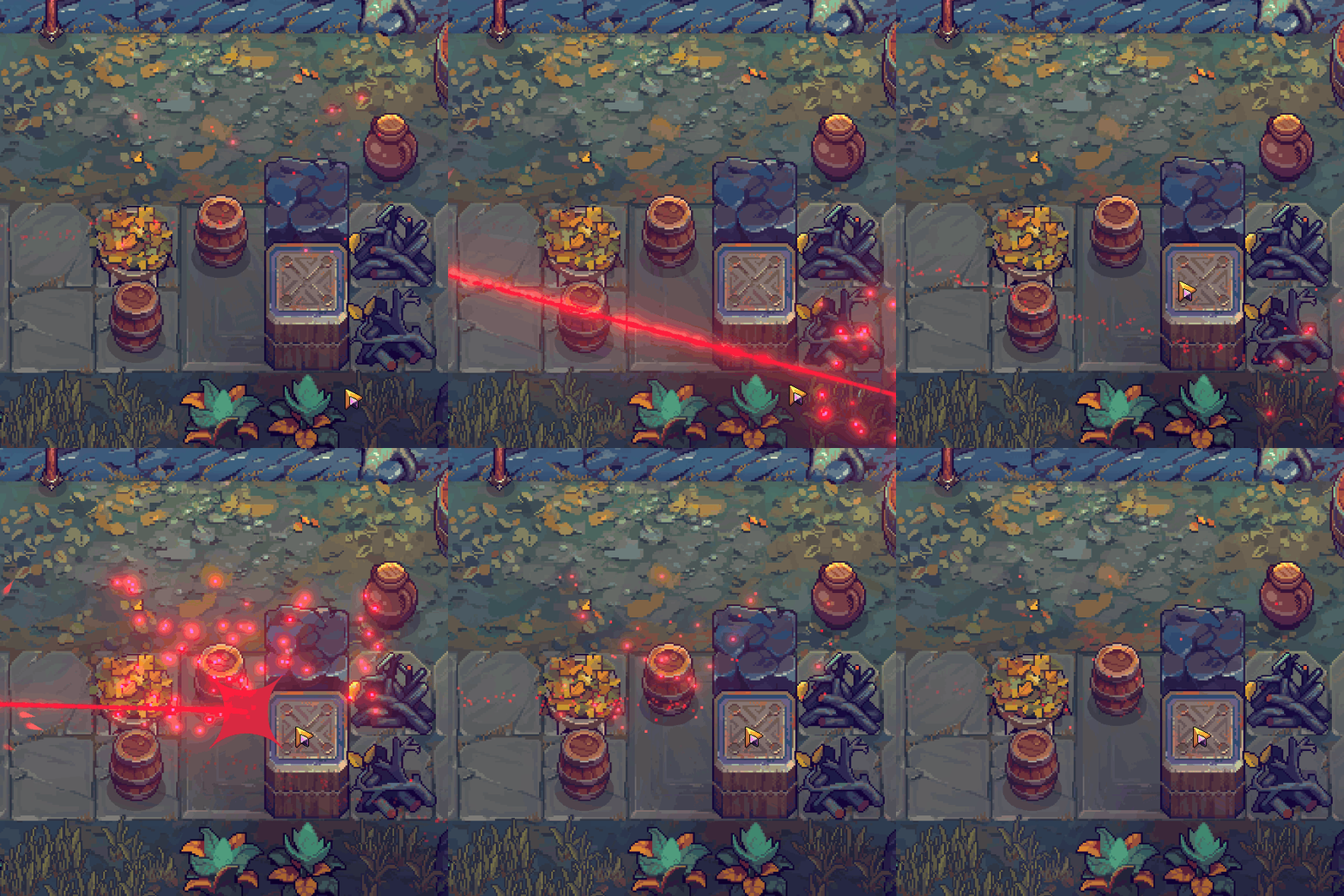
Projectile vfx
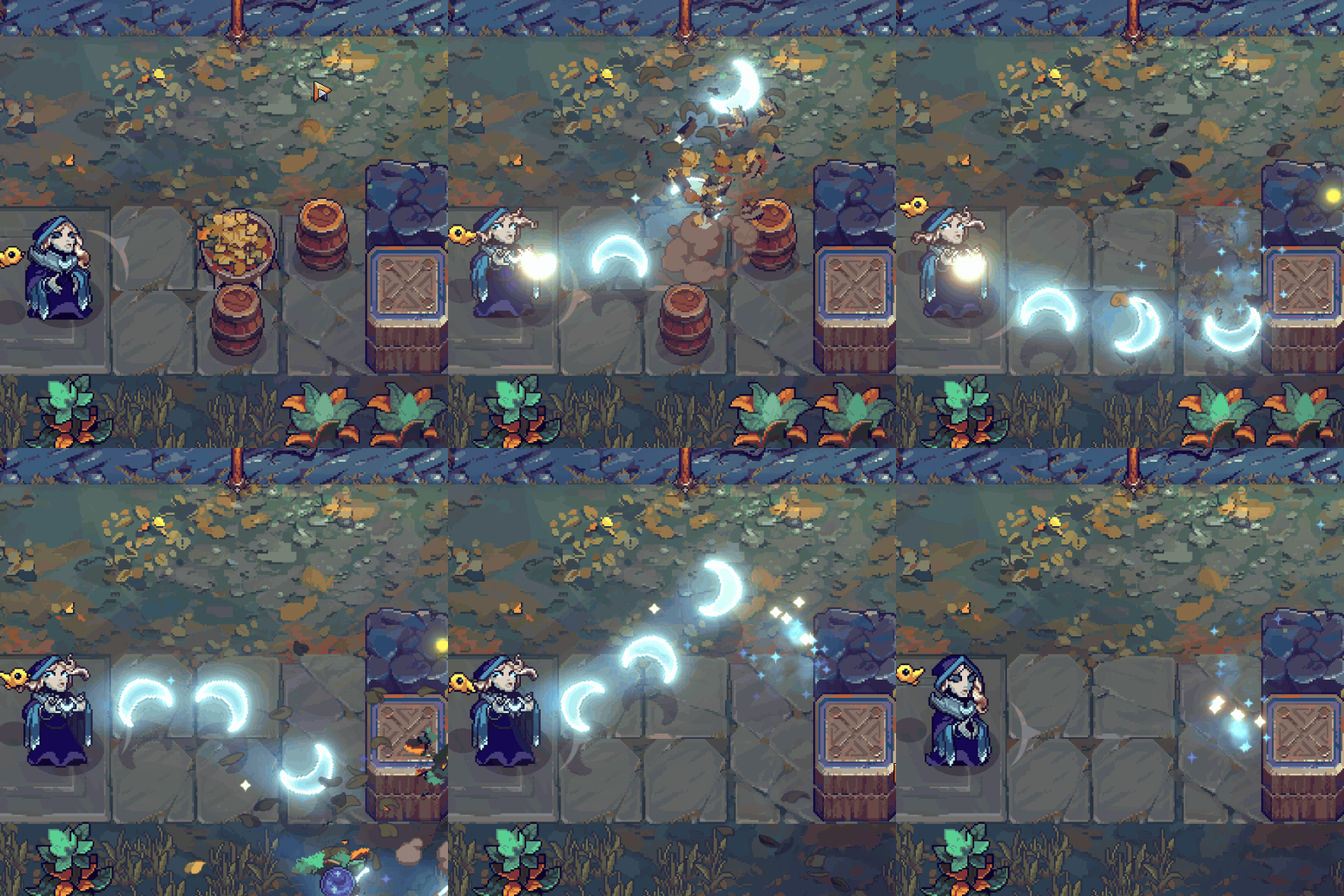
Projectile vfx - Minerva's moons
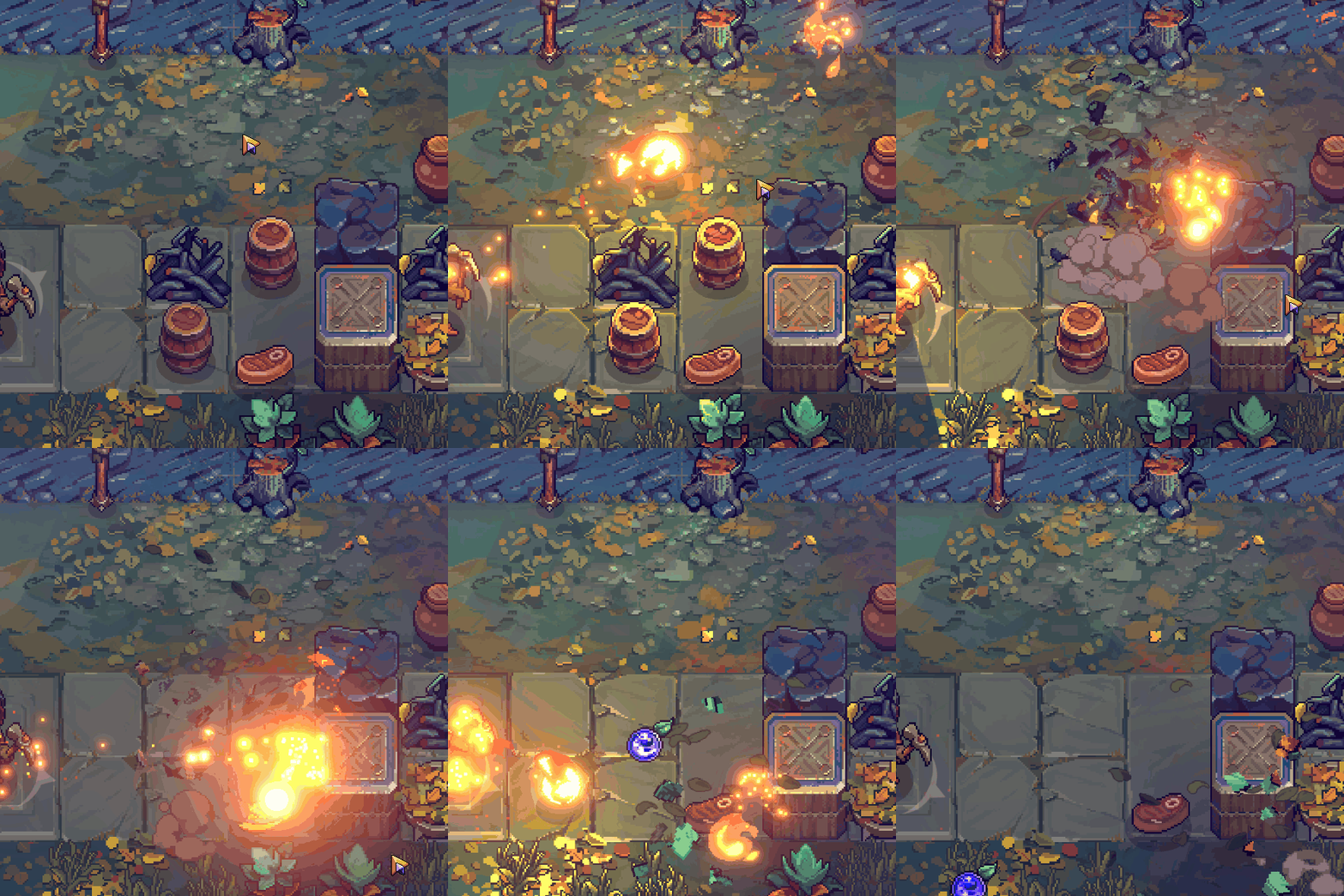
Cook enemies or steak.
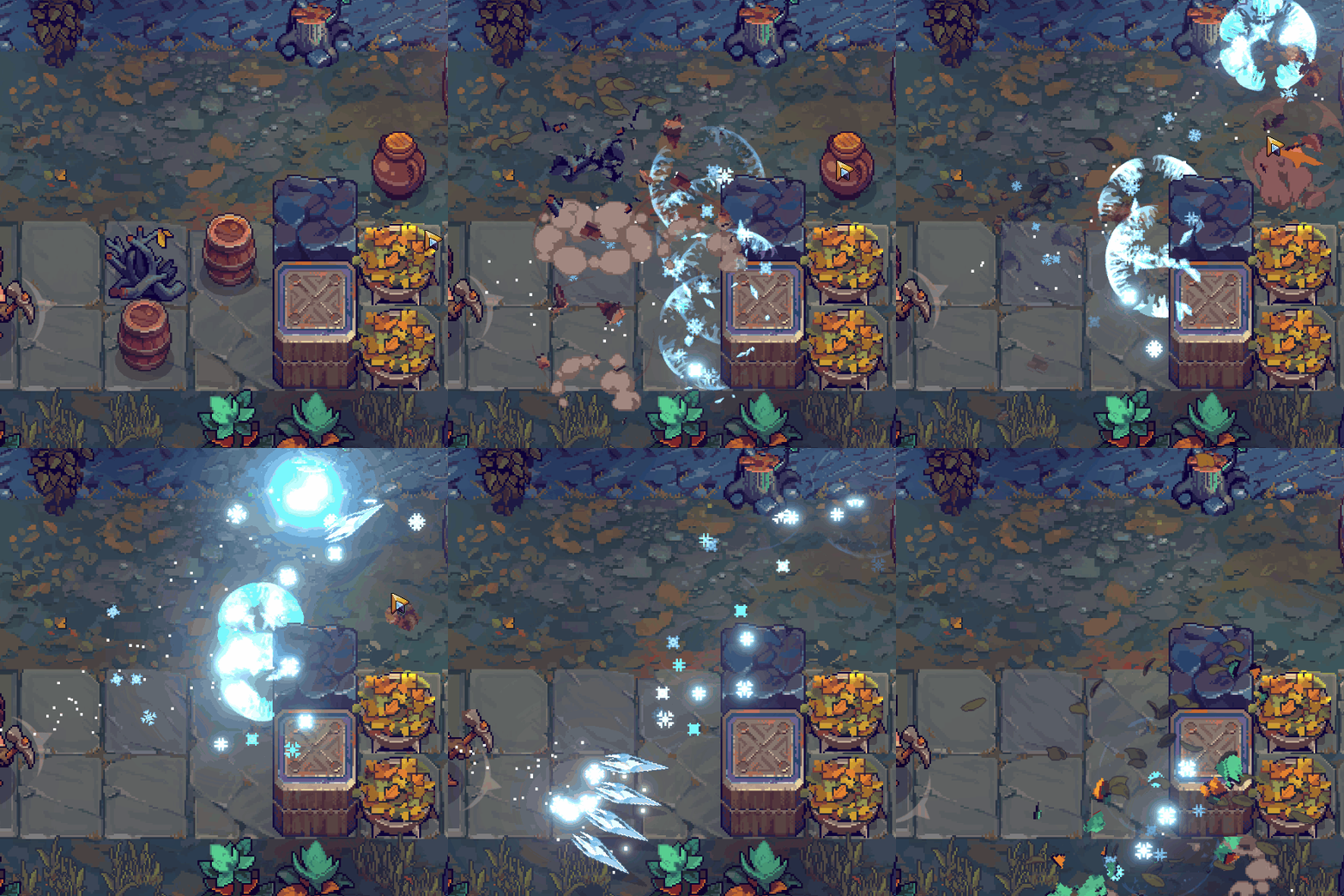
Projectile vfx - Ice shards
Projectile vfx - teleport
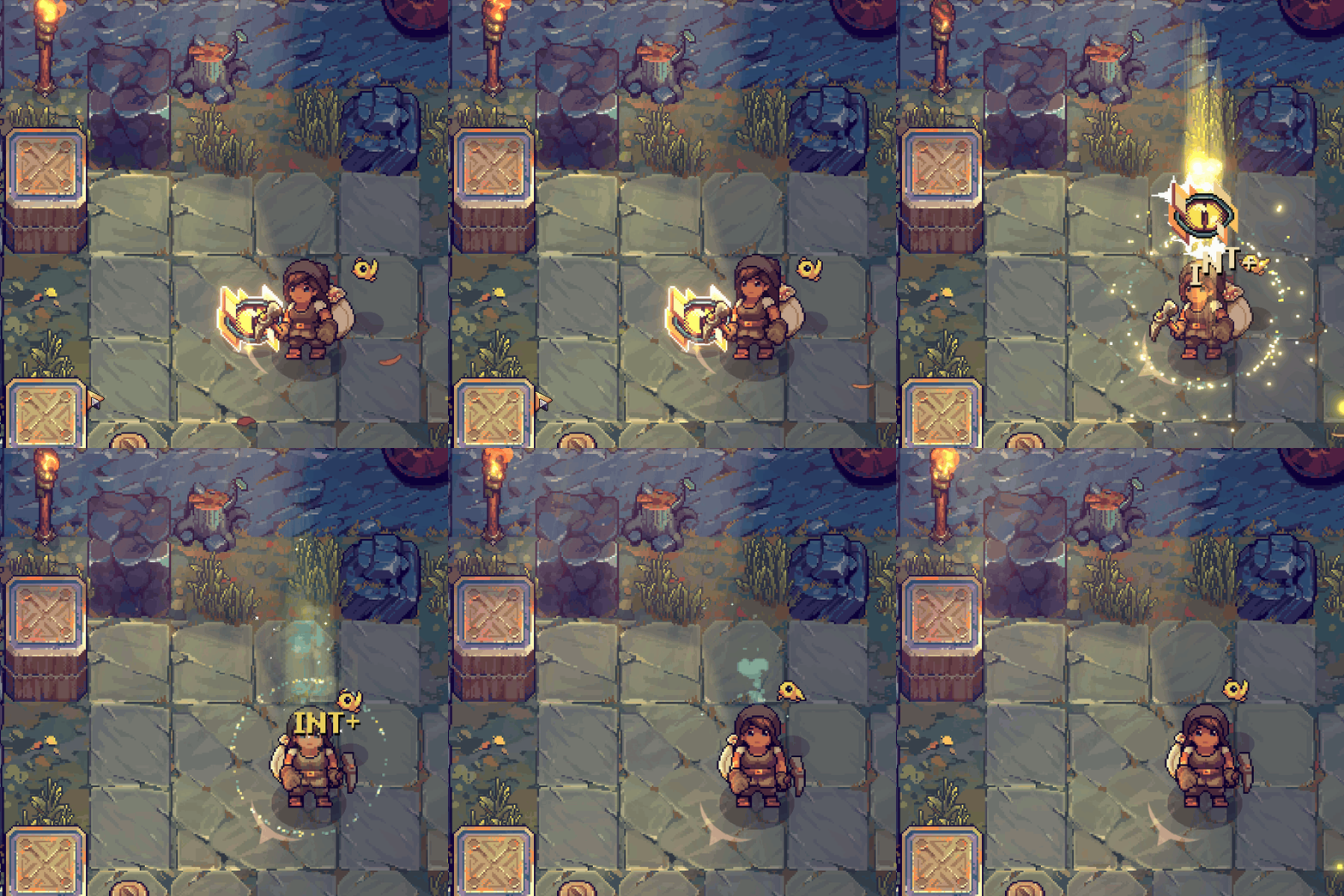
#blessed
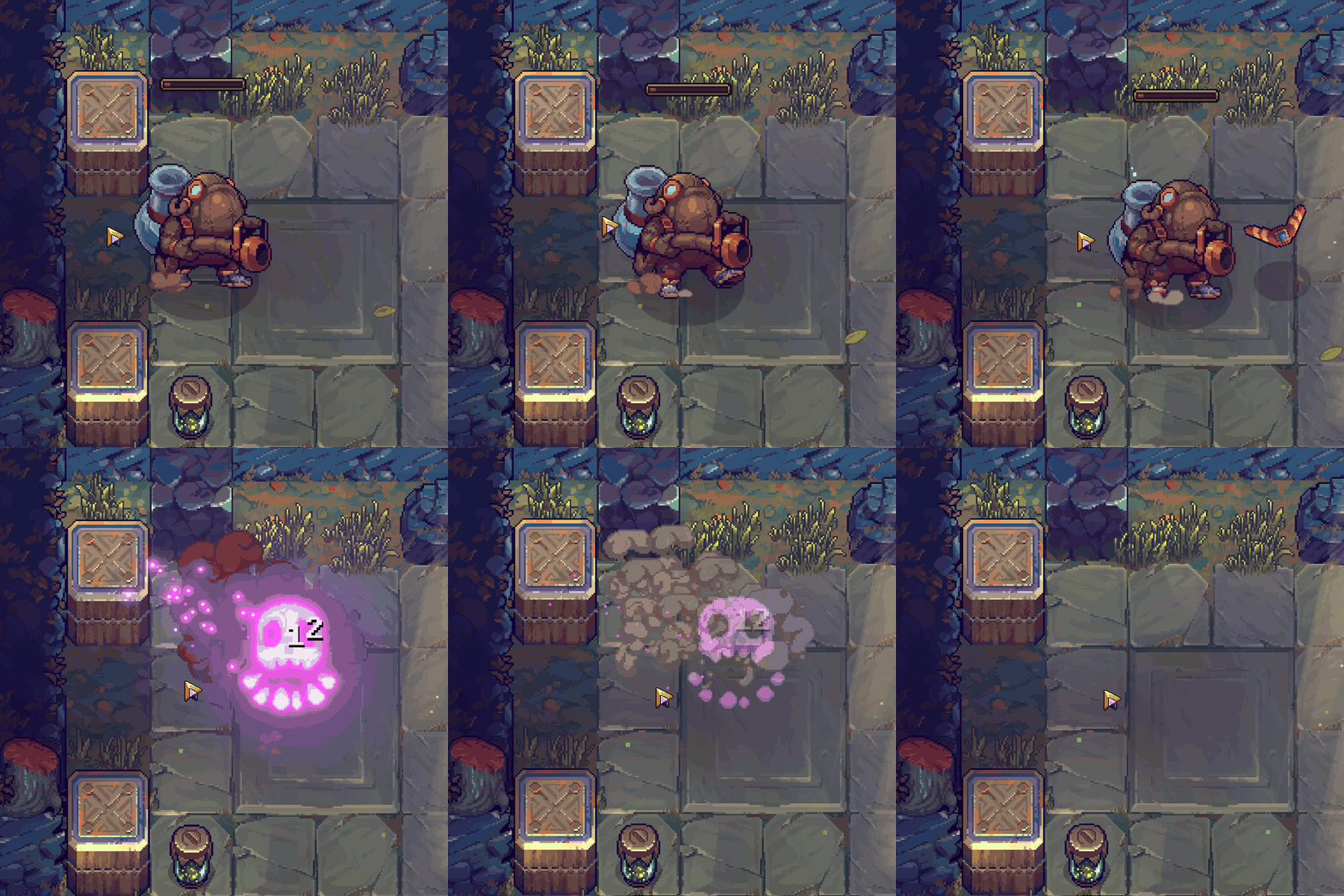
Death vfx scale with enemy size and particles react to the direction of attack
The player can scale almost every visual effect in UnderMine 2. Boosting your stat called "RECKLESSNESS" increases the area of explosions, for example. Our vfx are designed to dynamically scale by adjusting particle counts and velocity.
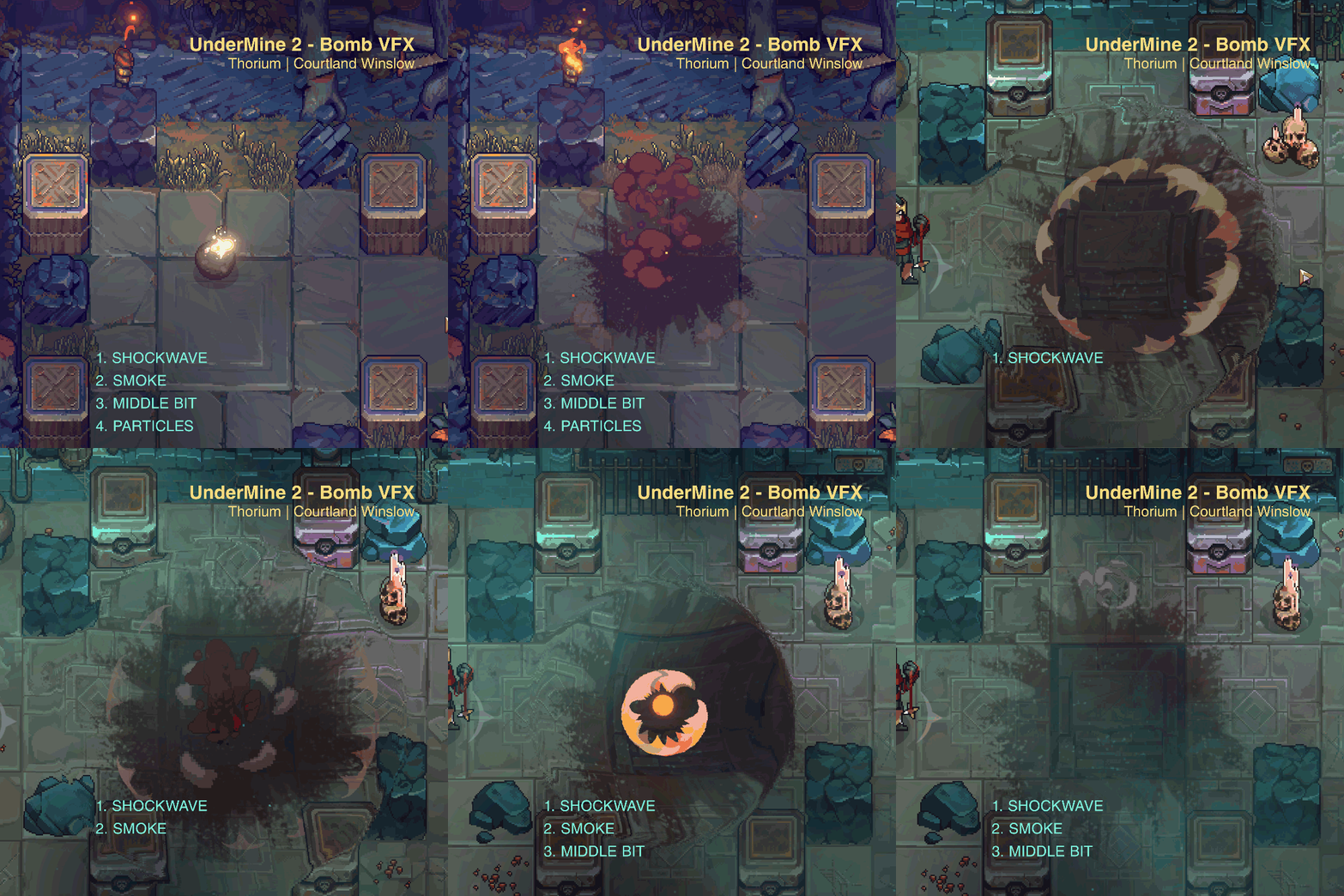
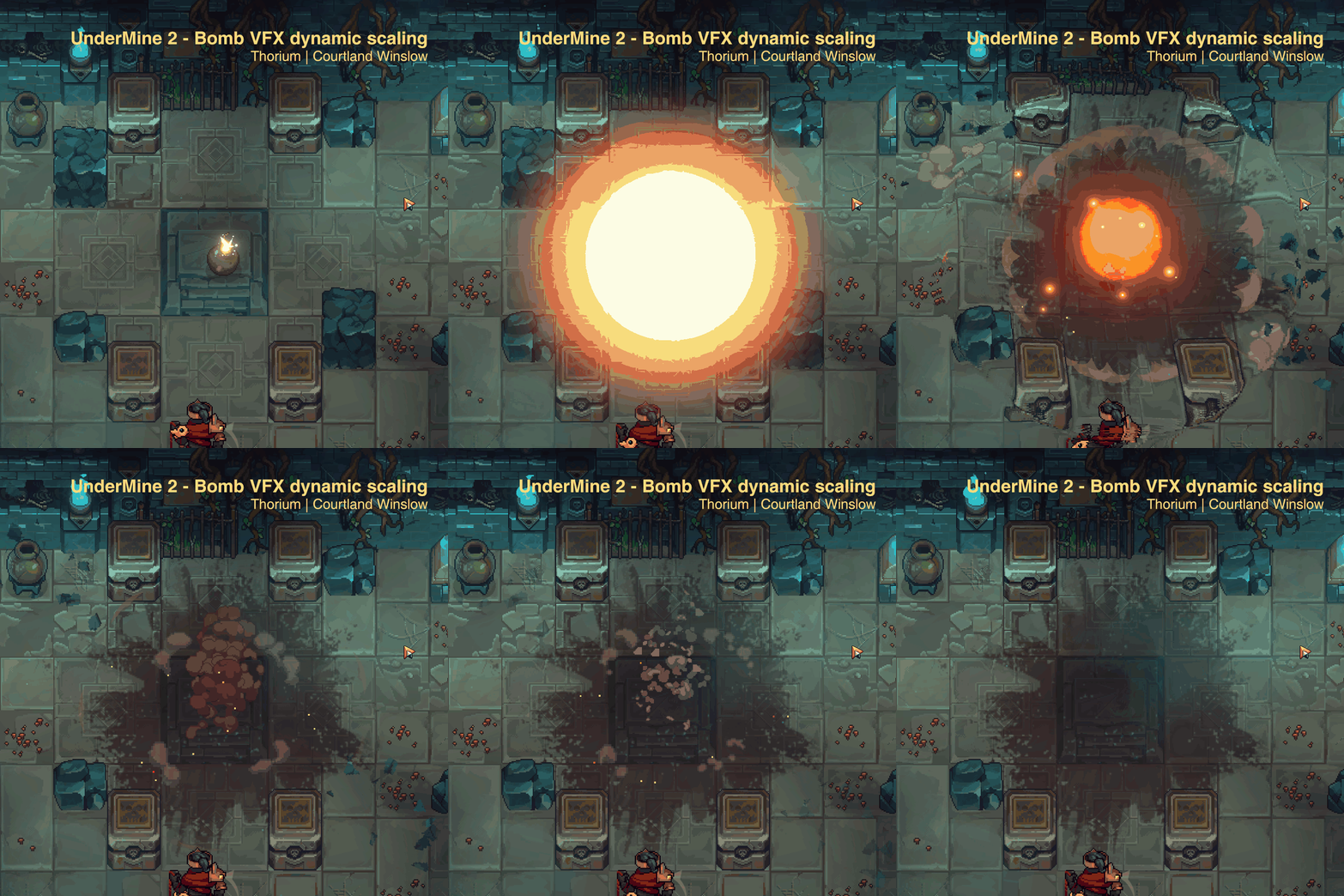
Our game also allows the player to place materials such as liquids dynamically. Once these areas are masked into the scene, I use a combination of Unity's ShaderGraph and VFX Graph to control their look.
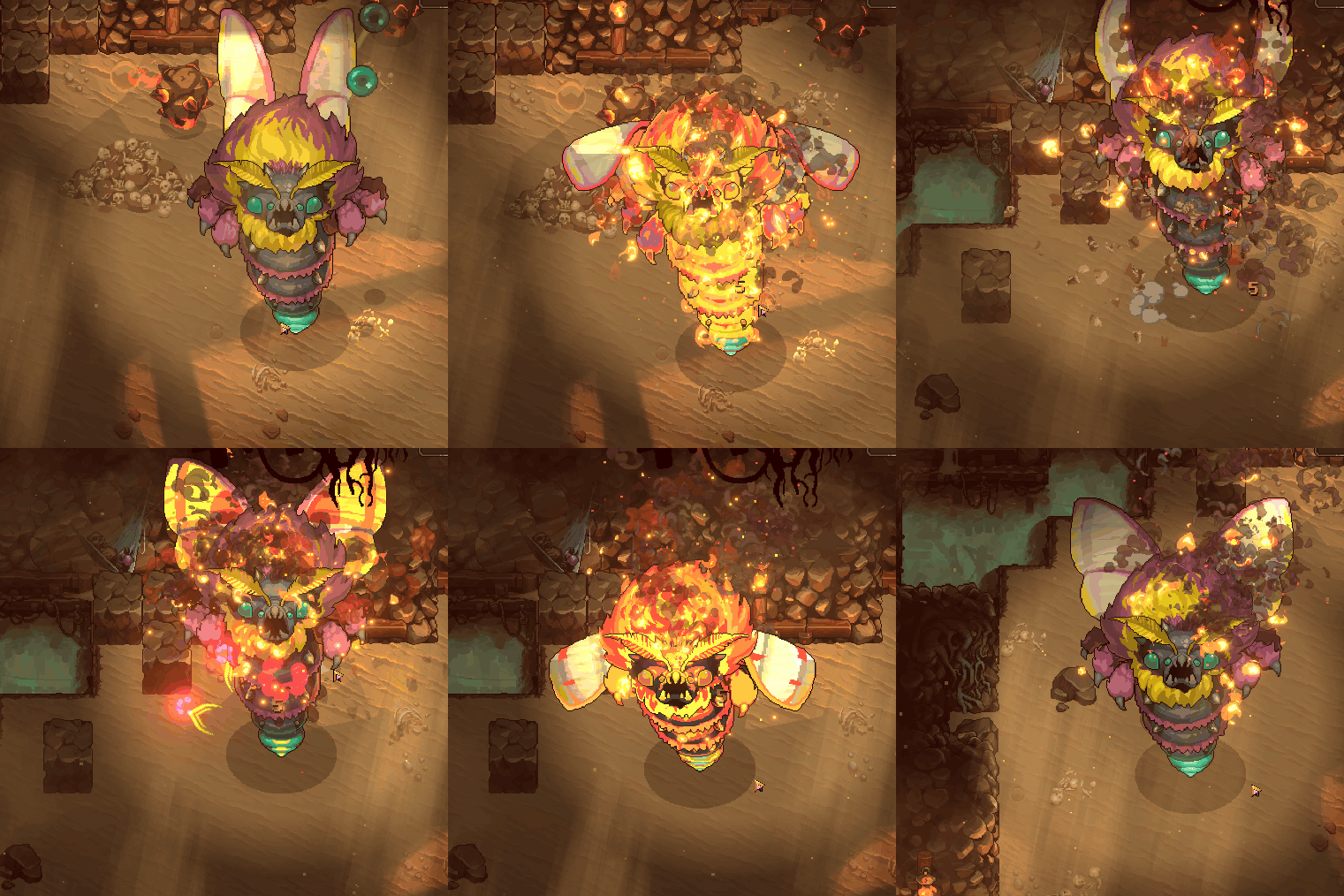
Status effects (burning, freezing, wet, shock, charmed, and gilded) can be applied to objects ranging from players to bosses, large and small, and their visuals scale accordingly.
Status effects (burning, freezing, wet, shock, charmed, and gilded) can be applied to objects ranging from players to bosses, large and small, and their visuals scale accordingly.
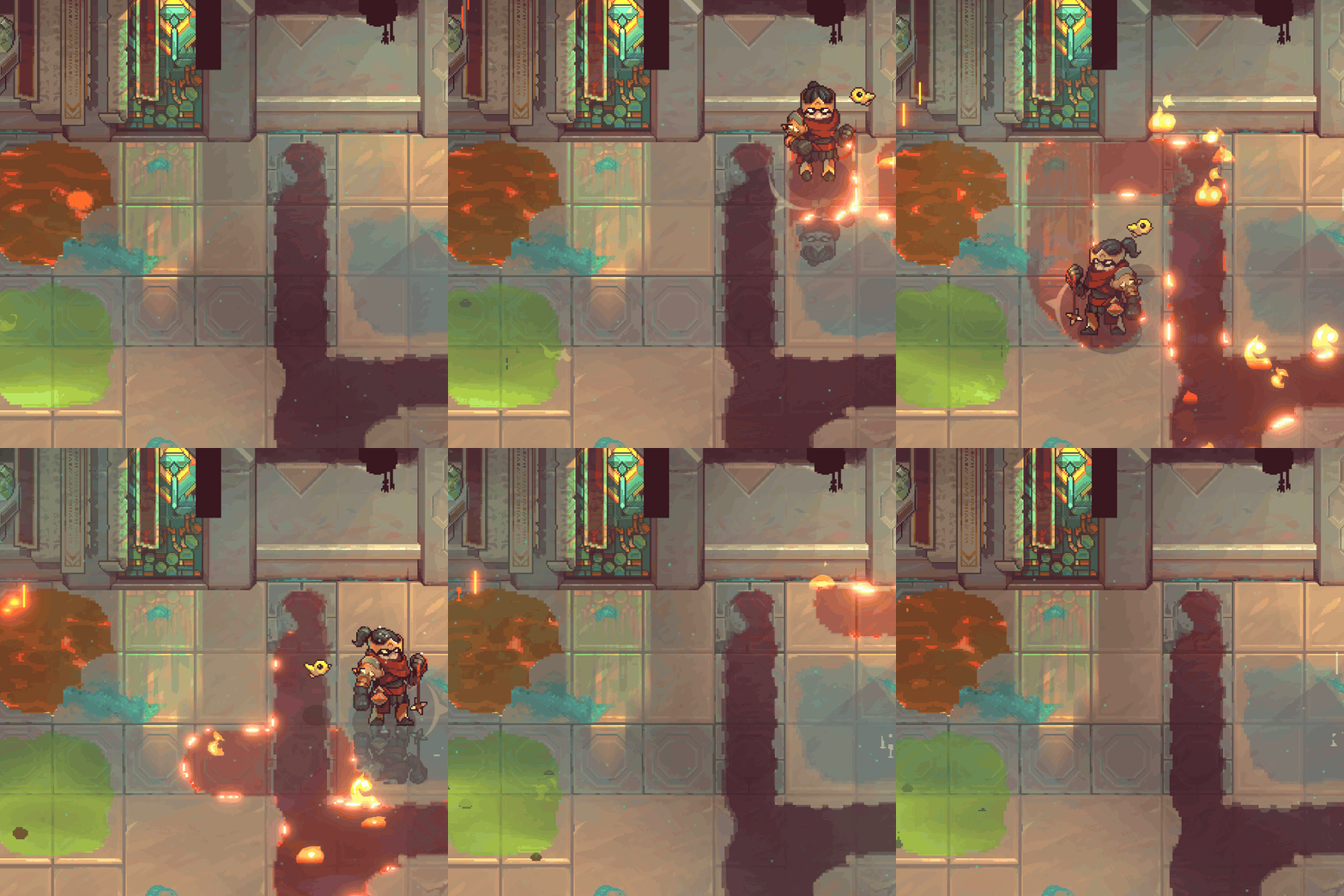
Liquids are made using ShaderGraph and Vfx Graph, and can be dynamically placed.
These projectiles are sucked off-course, and leave a dynamic trail of burning oil.
Status effects use a combination of masked vfx and a shader.